What's for dinner? Solved.
Snap a photo of your fridge. Answer two questions. FED finds real recipes with what you already have — or the perfect thing to order tonight. Free to use, no account required.
Or use the web app →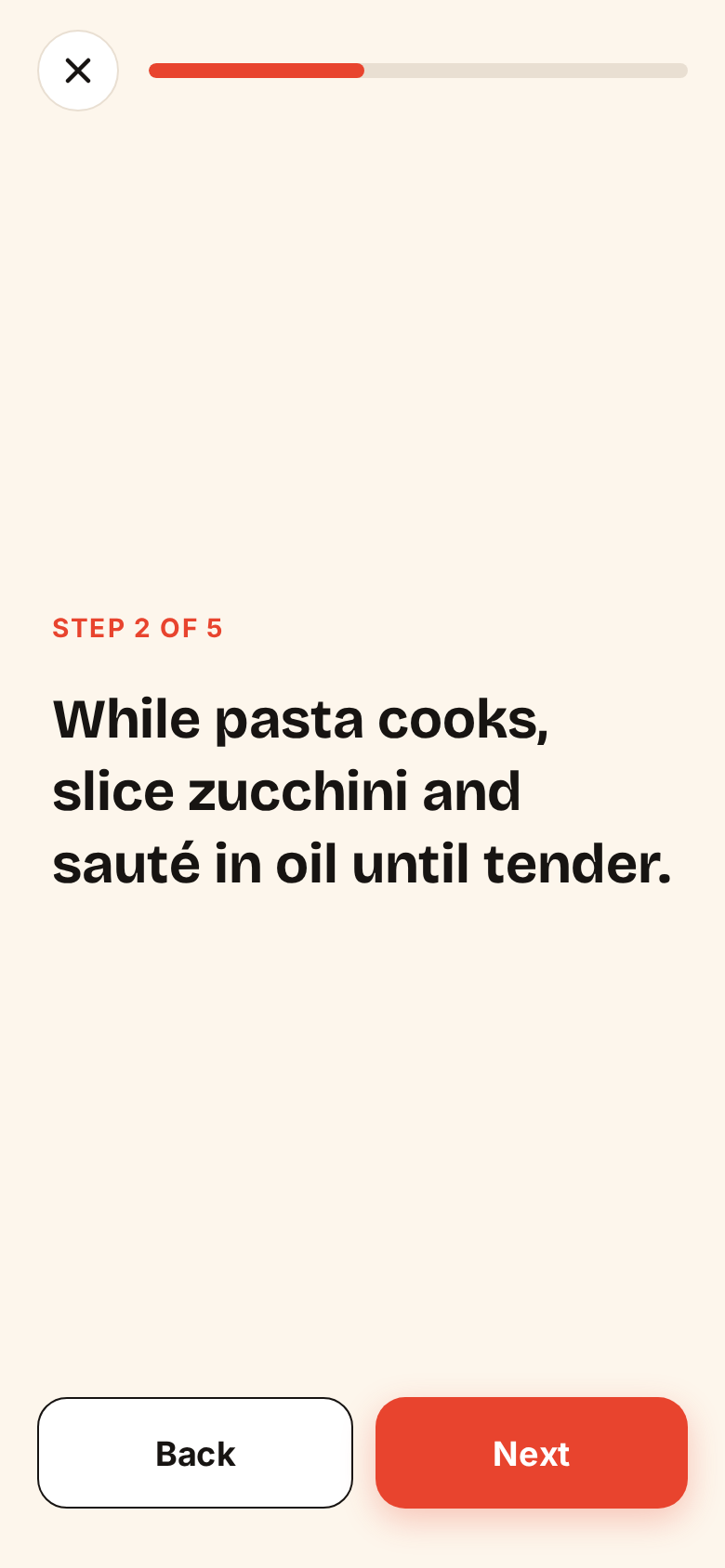
Everything you need to solve dinner
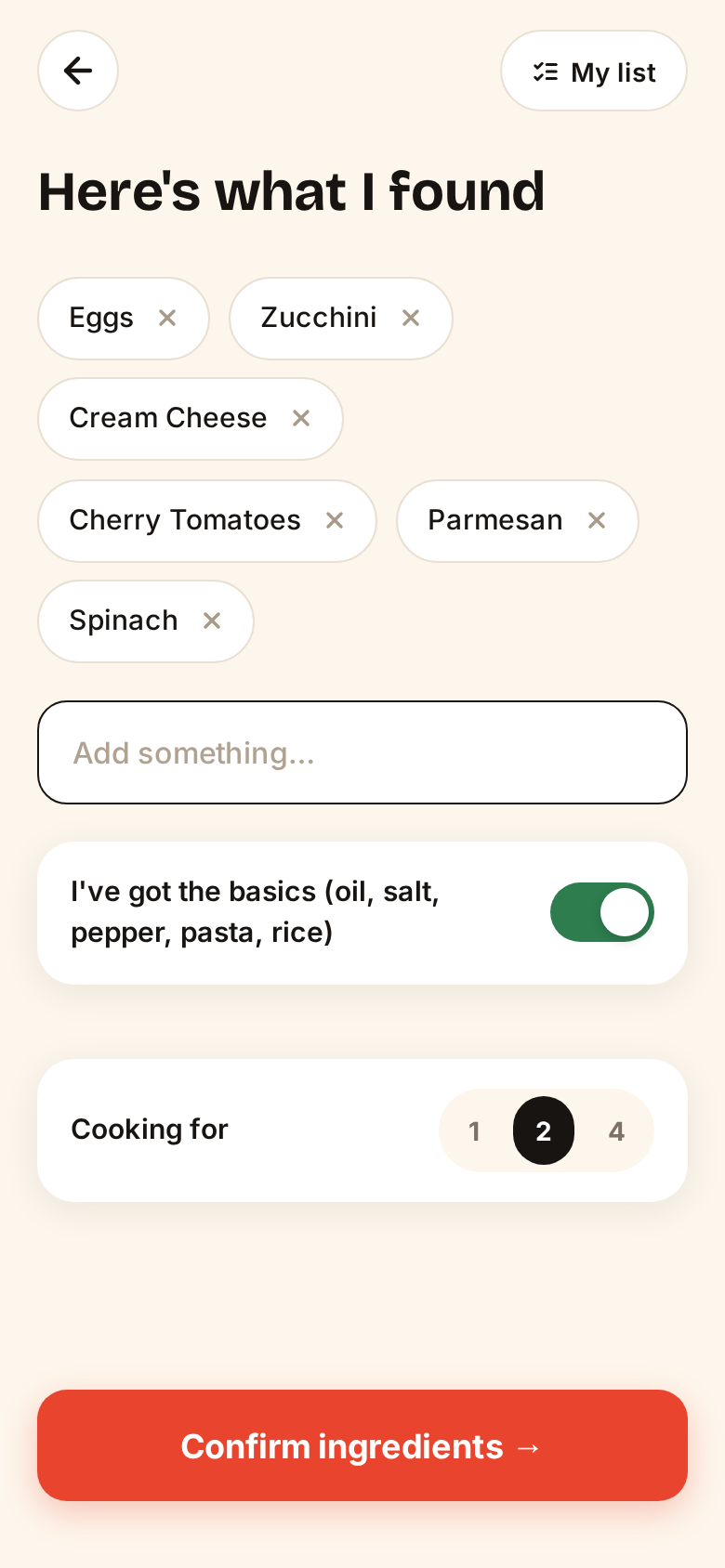
Fridge Scanner
Snap your fridge. FED reads what's inside — and you stay in control with editable ingredients.
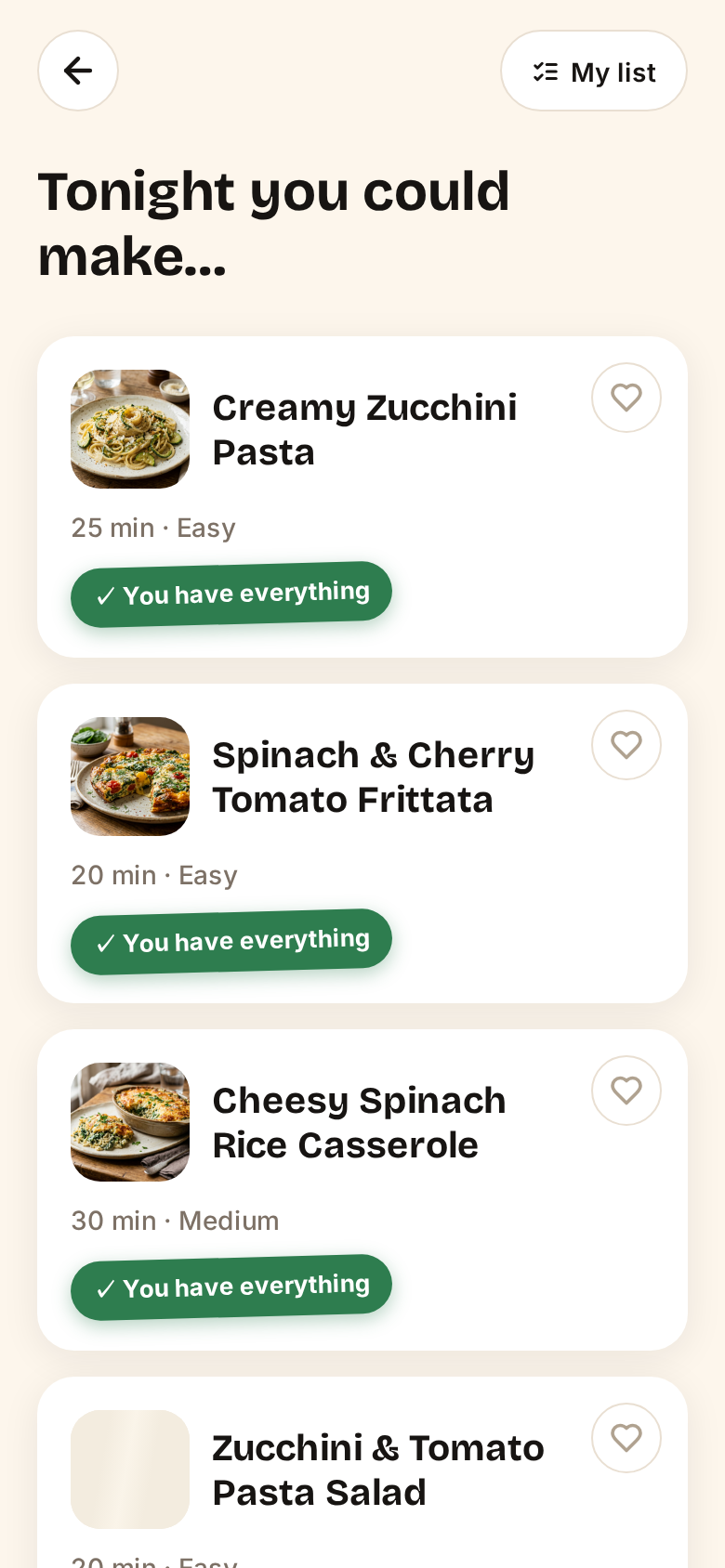
Real-Match Recipes
Only dishes you can actually cook. Honest badges show exactly what you have — down to the last ingredient.
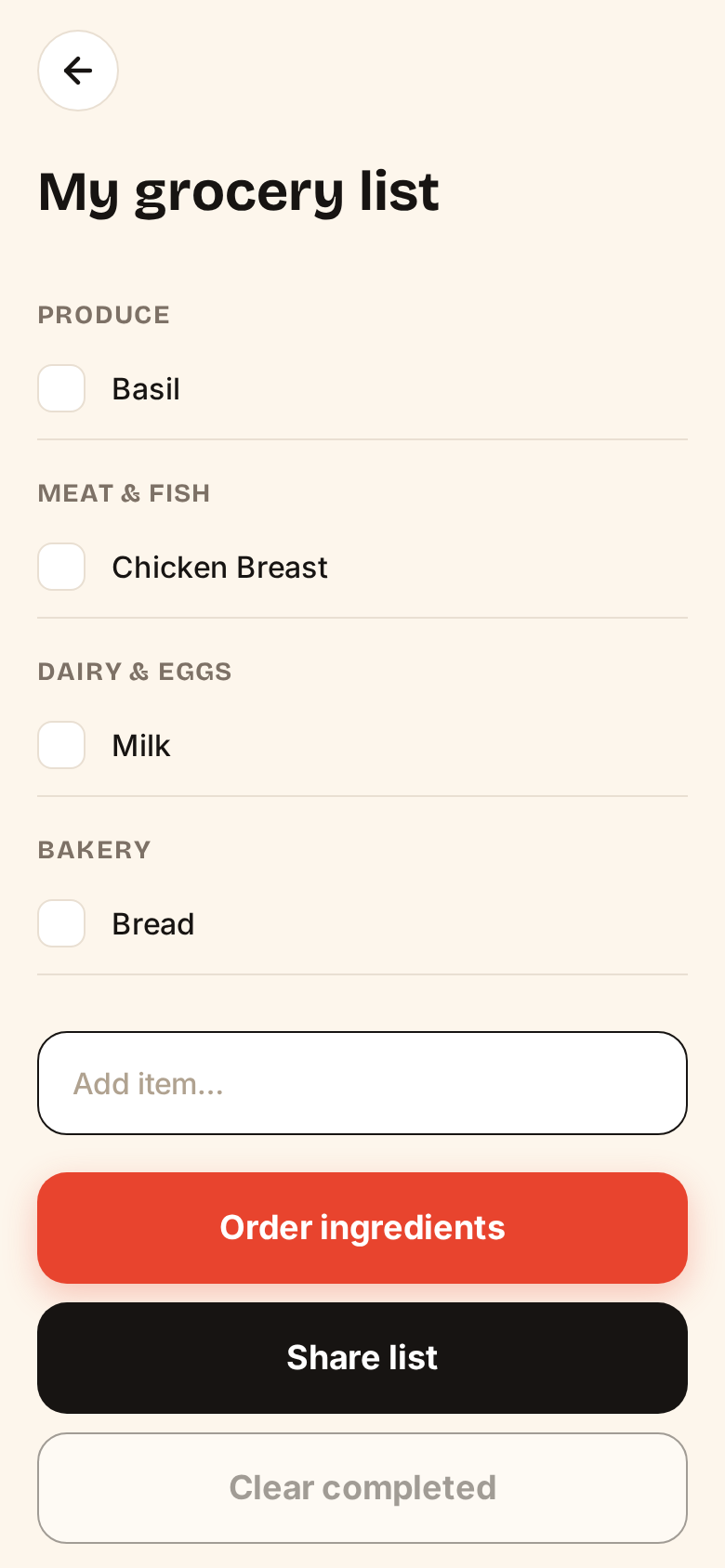
Smart Grocery List
Missing items land here in one tap, auto-sorted by supermarket aisle — your guide through the store.
Cook Mode
Your phone becomes a sous-chef.
- One step per screen
- Built-in timers
- Huge readable text
- A little celebration when you finish
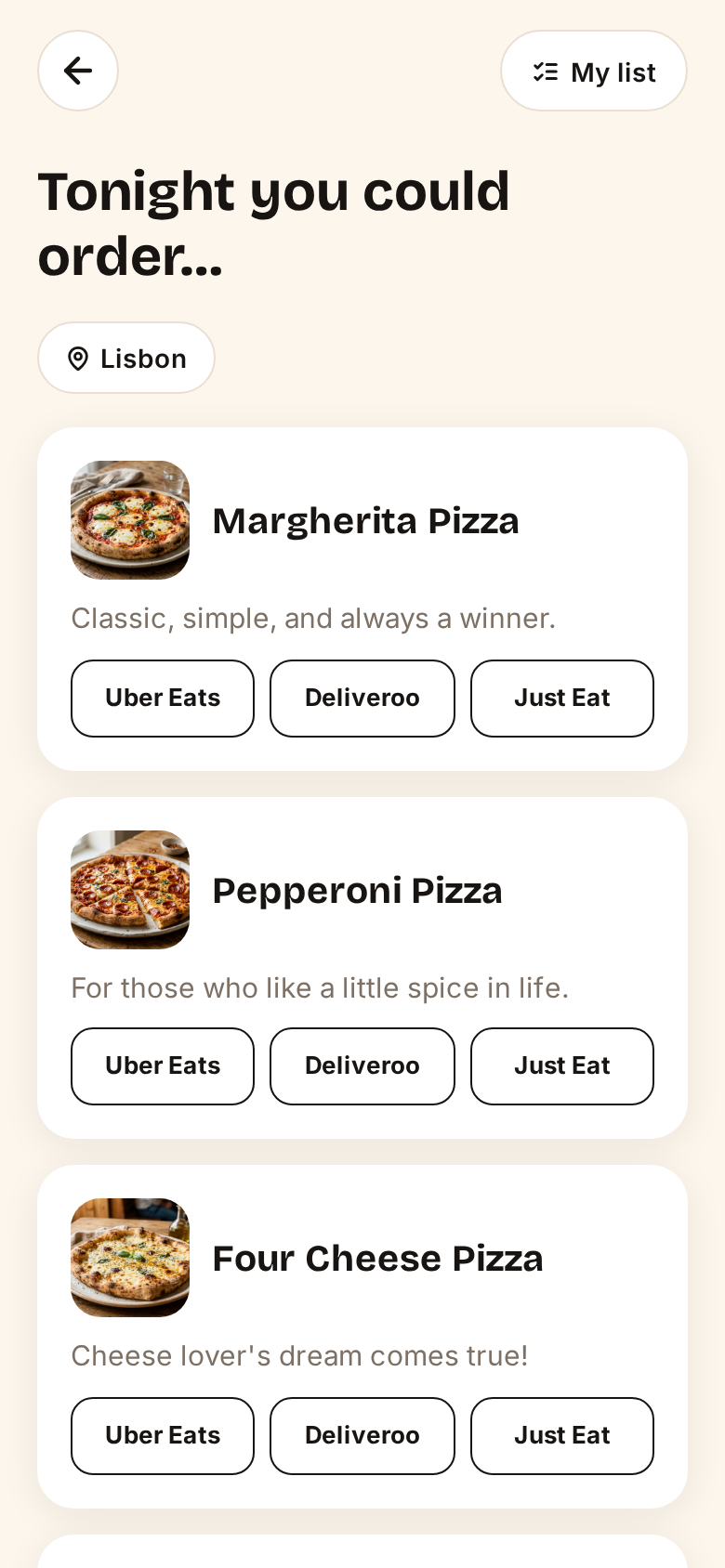
Order Mode
Not cooking tonight? Two questions and FED finds what to order — then takes you straight to Uber Eats, Deliveroo or Just Eat.
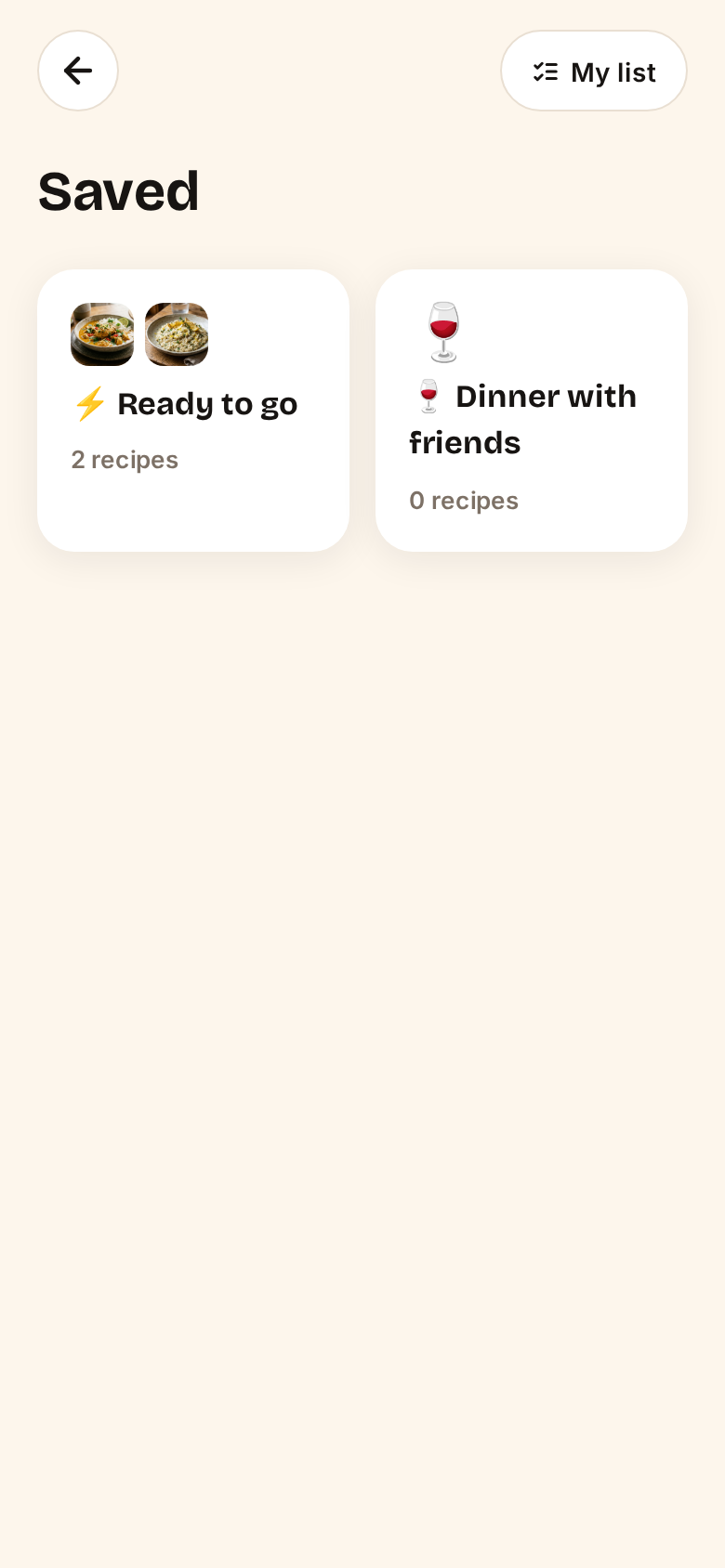
Collections
Save the winners. 'Ready to go', 'Dinner with friends' — your recipes, organized your way.
Dinner in four steps
Open FED
In your browser or from your home screen. No account.
Snap your fridge
One photo. FED reads the ingredients.
Answer two questions
Time and craving. That's all we ask.
Eat well
Cook with what you have, or order the right thing.
Built for hungry people
Works Worldwide
Any fridge, any kitchen, any cuisine.
No Account, Ever
Open it and use it. Nothing to sign, nothing to remember.
Zero Waste
What you already own gets cooked first.
Cook or Order
Both moods covered. No judgment.
Questions, answered
Yes, completely.
No — never.
On iPhone: open FED in Safari, tap Share, then 'Add to Home Screen'. On Android: Chrome offers a native install prompt, or use the menu and pick 'Add to Home screen'. It then works like a normal app.
Every ingredient is editable before anything happens.
Set it once — vegetarian, vegan, no pork, gluten-free — and it's applied everywhere.
It finds the dish and takes you to Uber Eats, Deliveroo or Just Eat with the search ready; you complete the order there.
Start solving dinner tonight
Free to use. No account. Works on any phone.
Or continue with the web app →